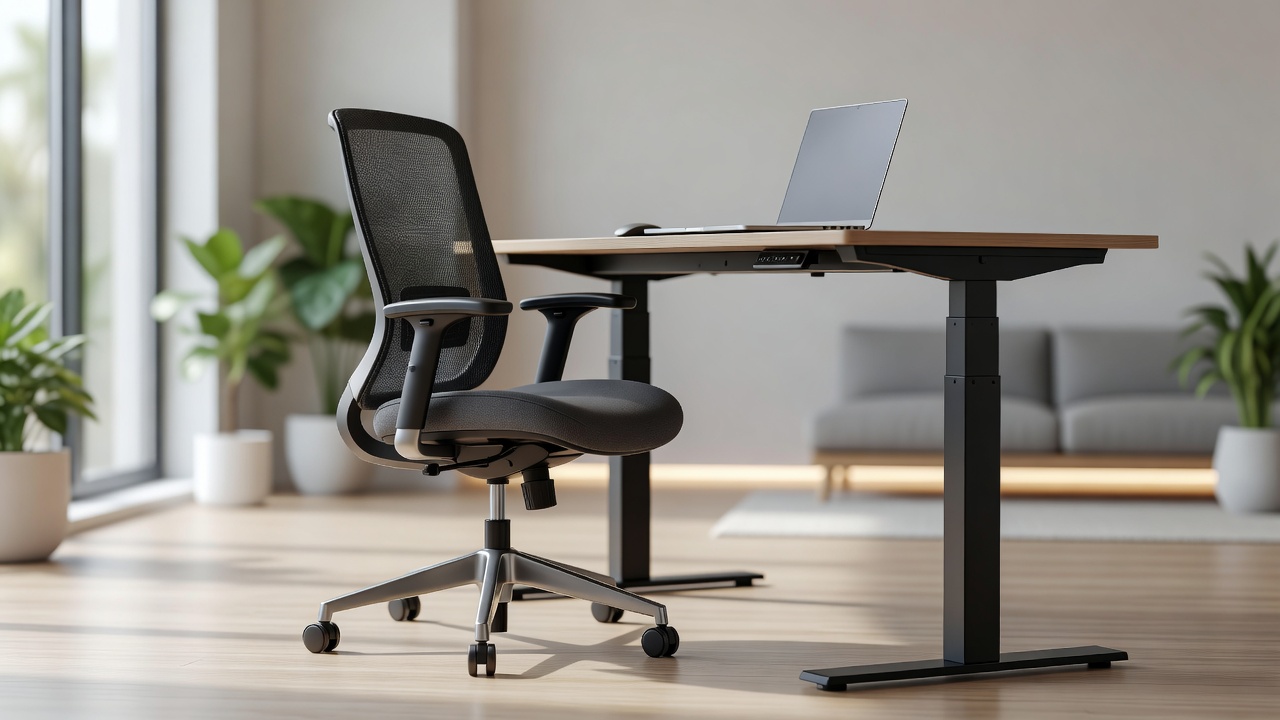
When the shift to remote work occurred rapidly, millions of professionals transitioned from highly engineered corporate office environments to dining room chairs, couches, and improperly heightened desks. Over time, the physiological debt of poor posture manifests in chronic lower back pain, repetitive strain injuries (RSI), and severe cervical strain. Home office ergonomics is not an aesthetic pursuit; it is a critical requirement for sustained cognitive performance and physical health over a remote career.
The Foundation: Seating and Posture
The central element of any ergonomic setup is the chair. A highly adjustable task chair is a mandatory investment for anyone sitting for eight hours a day. The core requirement is independent adjustability of seat height, seat depth, armrest height, and lumbar support tension.
Proper seating mechanics dictate that feet must be completely flat on the floor (or resting entirely on a stable footrest). The angle of the knees should be at 90 degrees or slightly wider to promote blood flow. Lumbar support must sit perfectly in the curve of the lower back, maintaining the spine's natural inward curve. If a chair forces the pelvis to roll backward, creating a "C" shape in the spine, it is failing structurally and will inevitably lead to disc compression issues over the long term.
Desk Height and Keyboard Positioning
The standard fixed-height desk is approximately 29 to 30 inches tall. For a large percentage of the population, this is significantly too high when seated correctly. When typing, the elbows must remain close to the body, bent at an angle between 90 and 110 degrees. The wrists must be straight, hovering over the keyboard rather than resting heavily on a harsh edge, which compresses the carpal tunnel.
If a fixed desk is too high, the immediate solution is to raise the chair to achieve the correct arm angle, and then deploy a footrest to support the legs. Alternatively, height-adjustable sit-stand desks have become the industry standard. These allow precise micro-adjustments for perfect seated geometry and offer the ability to shift to standing postures throughout the day, mitigating the metabolic damage of prolonged sitting.
Monitor Geometry and Visual Strain
The positioning of the visual display dictates the posture of the neck. Laptops are fundamentally anti-ergonomic; they force the user to either hinge the neck drastically downward to view the screen or elevate the arms uncomfortably high to type. External monitors are required.
An external monitor should be positioned approximately one arm's length away from the face. The top edge of the viewing area should be exactly at, or slightly below, eye level. This allows the neck to remain neutral, viewing the center of the screen with a slight downward gaze of 15 to 20 degrees. Dual monitor setups should be positioned symmetrically if used equally, or with the primary monitor centered and the secondary off to the side if the workload is asymmetrical.
To prevent ocular fatigue, practitioners should employ the 20-20-20 rule: every 20 minutes, focus the eyes on an object at least 20 feet away for 20 seconds. This simple practice relaxes the ciliary muscles within the eye, preventing spasms and strain.
Environmental Factors: Lighting and Noise
Physical posture is only one dimension of ergonomics. Environmental lighting severely impacts eye strain and circadian rhythms. Whenever possible, desks should be oriented perpendicular to natural light sources to prevent harsh glare on screens. Ambient lighting should be diffused, and task lighting should illuminate physical documents without shining directly into the eyes or onto the monitor.
Proper ergonomic setup transforms the home office from a makeshift workspace into a controlled environment engineered to sustain high-performance knowledge work without inflicting physical damage.